Confusion and errors
Customers often find it challenging to grasp the implications of each setting, leading to mistakes that can result in non-compliance or unexpected financial burdens
Time AI Copilot
WorkRippling · Time policies
Explain, create, and validate policies; answer “why” outcomes
My contribution
Lead Designer, Time
Identified high-ROI use cases, designed flows/prompts/UI, created 3 prototypes, aligned with Platform for shared Copilot patterns
Platform Design/Eng • Time Eng (prototype spike) • Leadership reviewers
Project details
00 Overview
Time policies (Time tracking, Overtime, Breaks, Time off) are rich and jurisdictional—great power, little clarity. I defined an AI Framework for Time: a copilot that explains policies, creates/edits them via natural language with real-time compliance checks, and answers employees’ “why” outcomes (e.g., no OT applied). The work aligned with Platform AI primitives now shipping across Rippling features, with Time implementation starting Q4 2025 to reduce policy-related support tickets and increase trust.
01 The problem
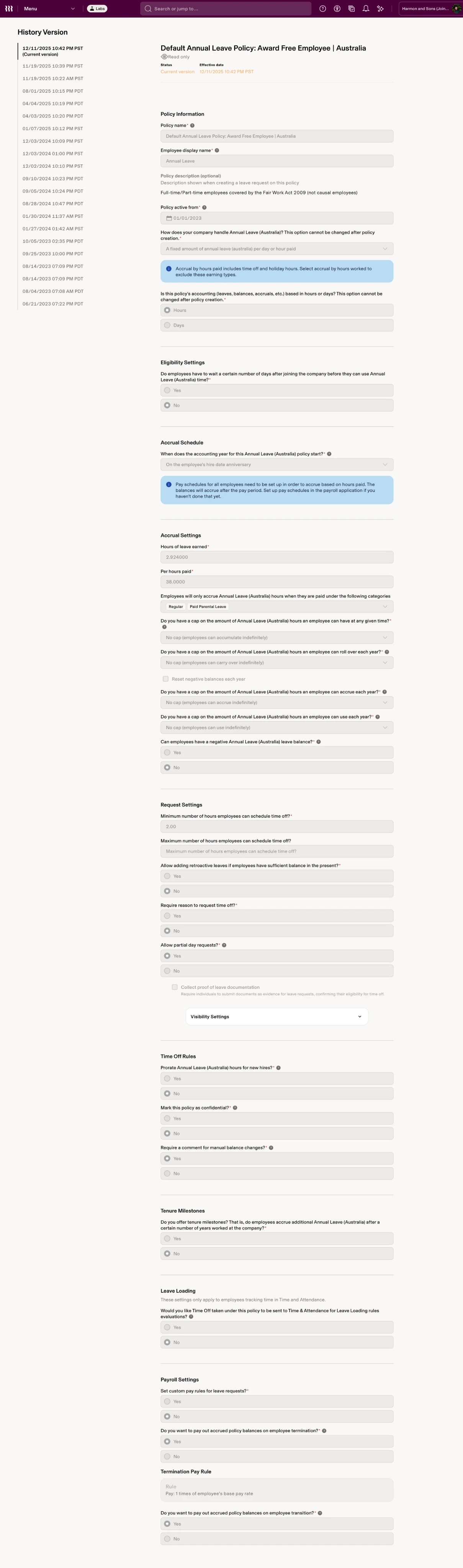
Time policies (Time tracking, Overtime, Breaks, Time off) are rich and jurisdictional. The configuration is powerful; the outcomes are hard to explain.
Global workforce management is hard—customers struggle with country/state rules
Routine “what/why/how” questions pull Eng, managers, and support off higher-value work
Admins hesitate to customize defaults; risk of misconfiguration
Needed Time-specific use cases to guide platform investment
Showing image 01 / 03
02 Solution highlights
A copilot that explains policies, creates/edits them via natural language with real-time compliance checks, and answers employees’ “why” outcomes (e.g., no OT applied)
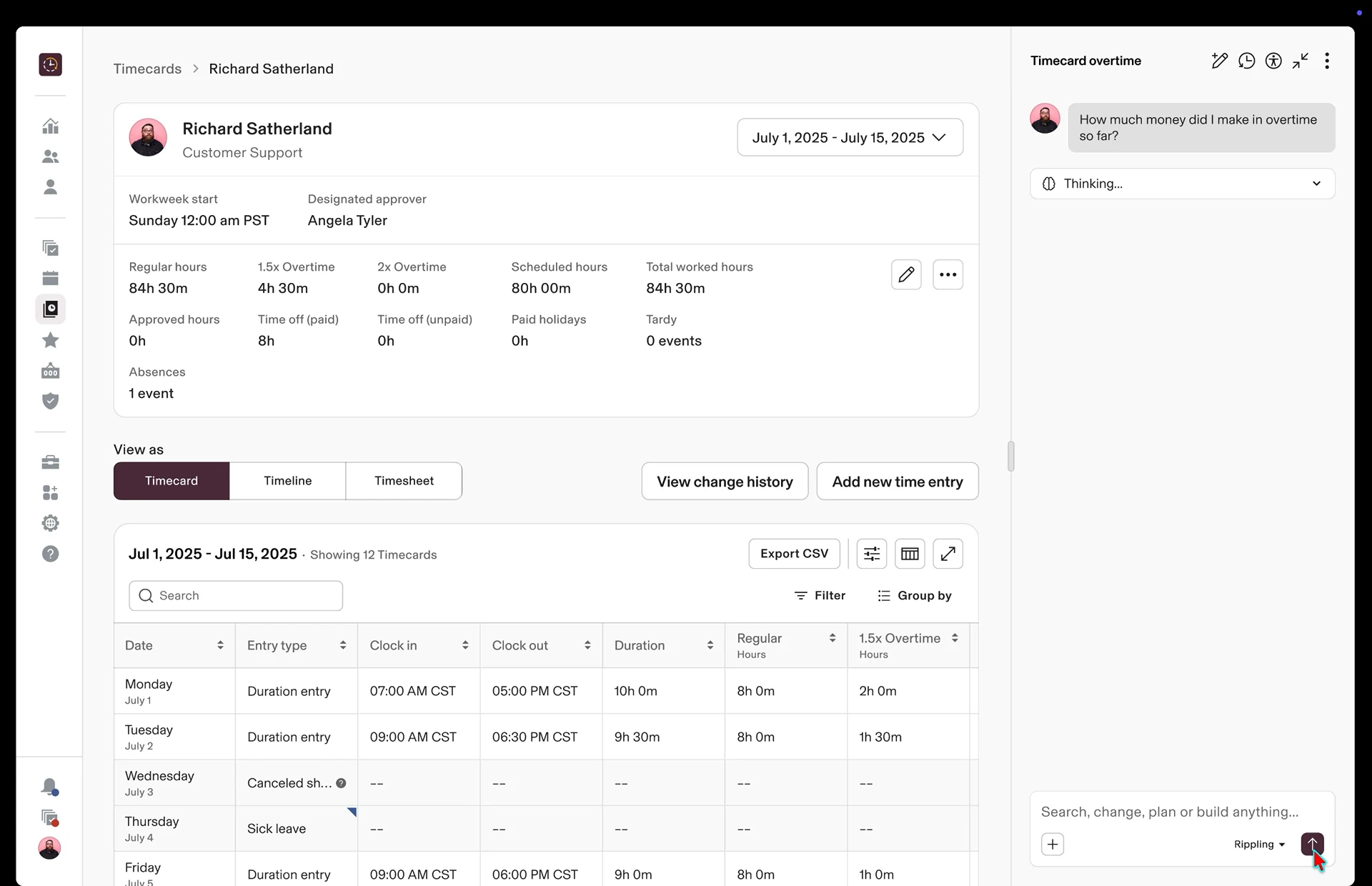
“Summarize UK maternity,” “Explain AU annual leave payout at termination,” “Why no OT today?”
NL setup: “Create UK maternity policy with 100% pay for 12 weeks”; real-time compliance checks with citations; what-if scenarios
Run compliance across policies; flag gaps; offer compliant presets and trade-off notes
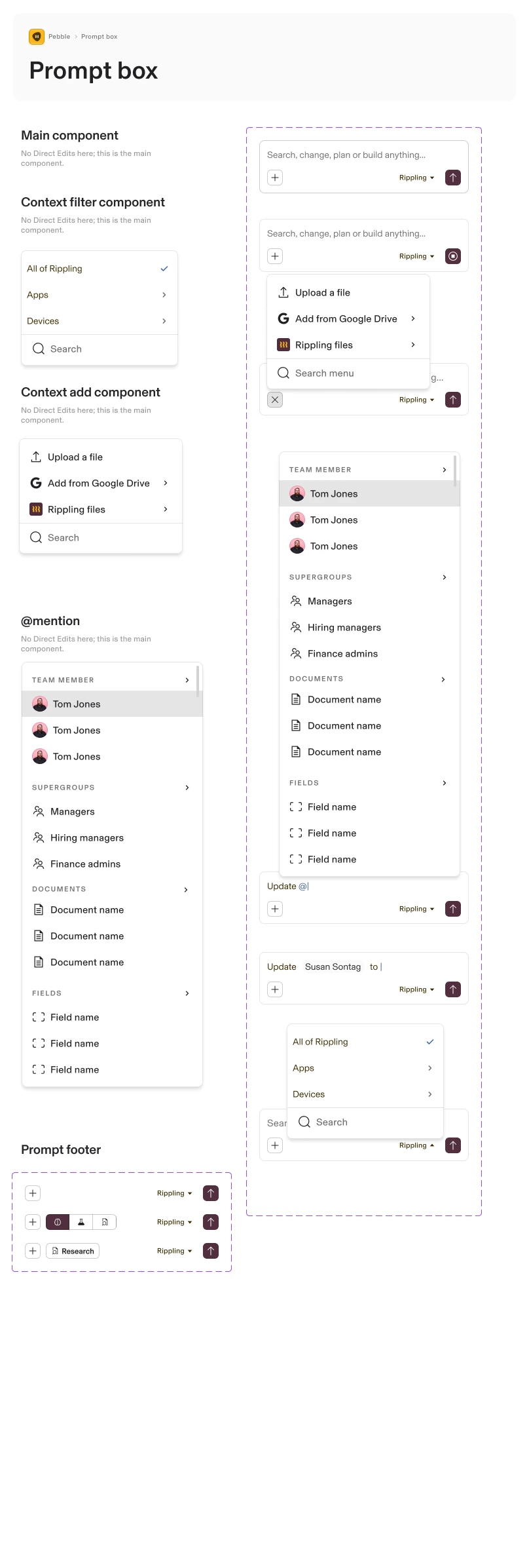
Standard entry points, chat panel behaviors, response cards, sources/retention/guardrails; shared across Rippling features
03 Process
Step 03.1 Feasibility
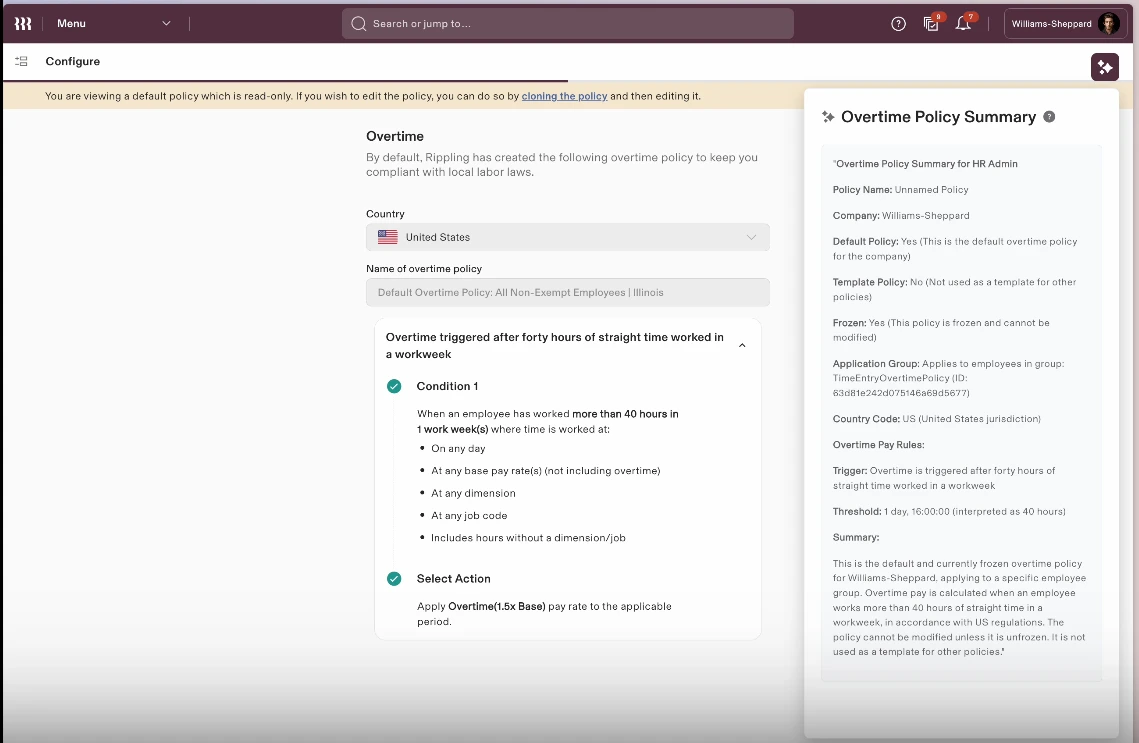
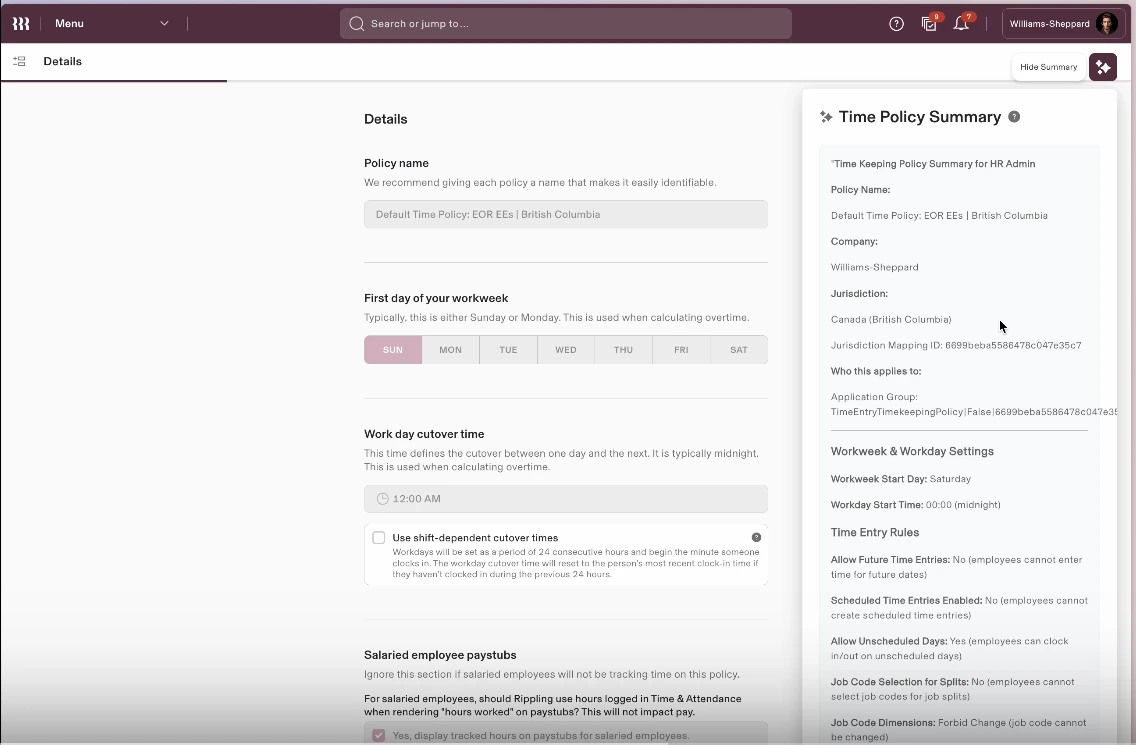
Engineering proof of concept for plain-language AI summaries
Step 03.2 Discovery
Support analysis → “explainability/why/how” ticket clusters; biggest ROI areas
Research
The current reality for our customers is a paradox: Rippling provides the power to configure highly customized policies, but this power often comes at the cost of clarity. Our policy creation forms, while comprehensive, are incredibly complex. This leads to:
Customers often find it challenging to grasp the implications of each setting, leading to mistakes that can result in non-compliance or unexpected financial burdens
This confusion results in a significant number of customer support tickets, as administrators seek assistance to understand or rectify their policy configurations. This not only drains our resources but also frustrates our customers.
While we offer ‘Rippling Default Policies’ that comply with statutory minimums, such as a UK Maternity Leave policy, customers frequently wish to enhance them—like raising maternity pay from 80% to 100%. However, the fear of non-compliance or misinterpreting the effects of their changes often holds them back, forcing them to choose between providing better benefits for their employees and sticking to a rigid default.
Our CEO challenged the team to devise a strategy for reducing customer support tickets. As the company explored ways to integrate AI experiences into our product, I recognized that enhancing explainability through AI capabilities was a key part of the solution.
Common questions such as, “How is Overtime calculated?” “Am I eligible for a payout due to a missed break?” and “How much time off can I take at year-end?” frequently reach Managers, who often struggle to interpret policies set by others in the organization. AI could play a crucial role in addressing these inquiries.
The initial focus was on enhancing product feature explainability to clarify Time policies. An engineering partner developed a proof-of-concept using AI to generate clear and digestible policy summaries. Ultimately, our vision is to enable users to input prompts for policy creation and to explore how AI can elevate Rippling’s policy engine, empowering our customers.
Step 03.3 Use cases
Mapping admin journeys
Create a new policy
01
A user would simply begin chatting with the AI agent about a policy they want to create
It could be a simple prompt like:
We can also guide the admin:
Create a 15 day vacation policy
02
Once I send my prompt, Rippling AI would get to work and create an initial policy draft for me. The policy could potentially be seen in various ways, maybe as a summary, a grid/table, or as a form
03
I can review the policy and continue chatting with the AI agent to refine the policy and to make sure that I can close any gaps
I can ask clarifying questions to the AI Agent like:
I can refine my policy with additional prompts like
The AI can help me fill the gaps by surfacing questions like:
04
This is particularly helpful if you want to create this vacation policy with 15 days off for all employees across your company, but you have employees in Canada and Australia
I can ask the AI Agent to cross check this policy with statutory laws in countries where I employ people
The AI can then help me sort out where I’m non-compliant. For instance:
05
I could select a specific employee from my company, select a start and end date, and run a scenario to see how this policy would play out. The UI could surface a visual to show me when how many days of time off this employee has accrued by the start date of vacation, or if I select an earlier date it could let me know that the employee wouldn’t have enough balance to take time off etc.
Because we know how much the employee gets paid, we can also surface how much they would get paid for this time off. This would be exceptionally beneficial for more complex policies where complex pay rules apply
Save policy
The board also drew a dashed return from every stage to the one before it: the admin can go back and revise at any point before saving
Step 03.4 Concepts
3 prototypes around Create/Edit • Explain • Check
Step 03.5 Platform alignment
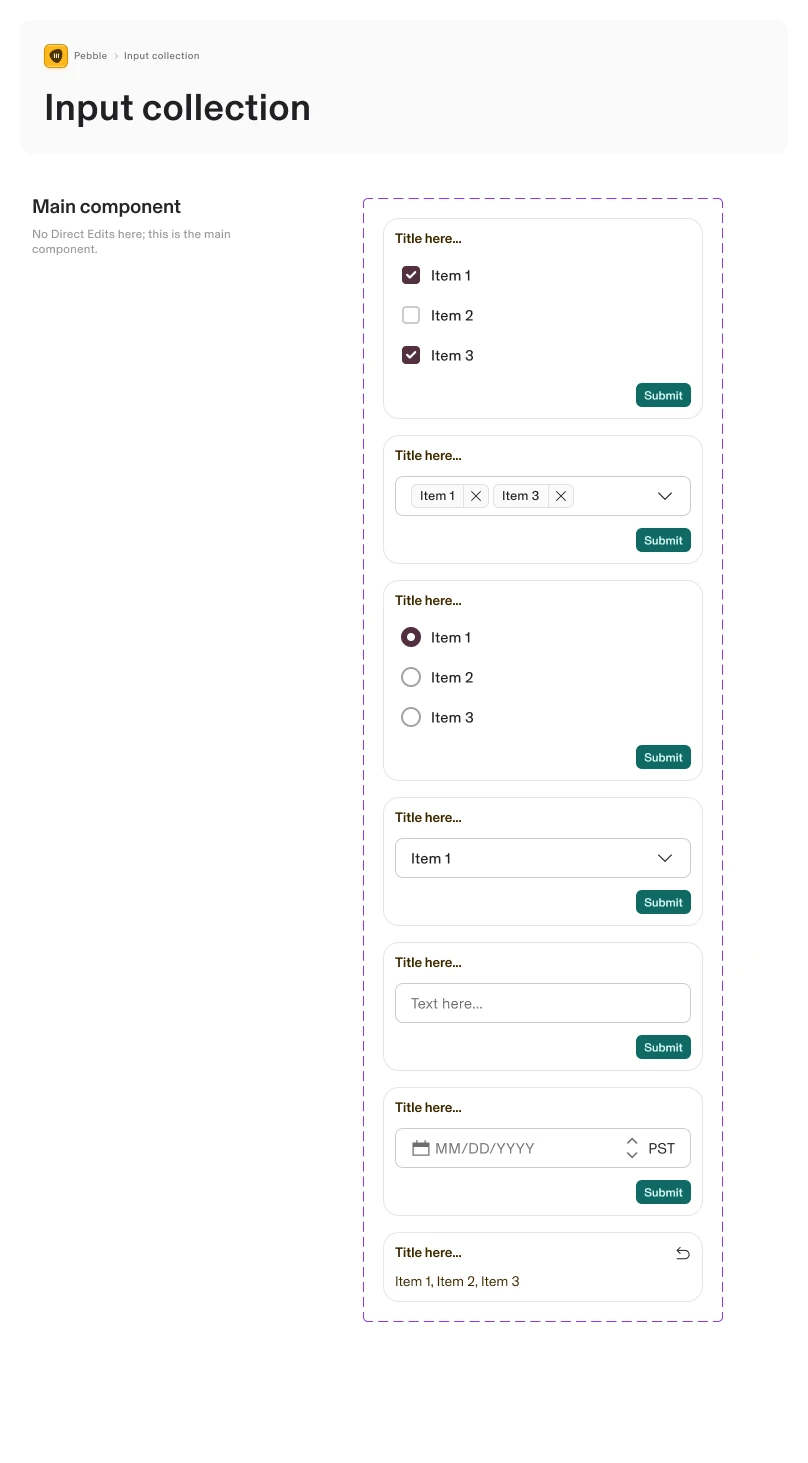
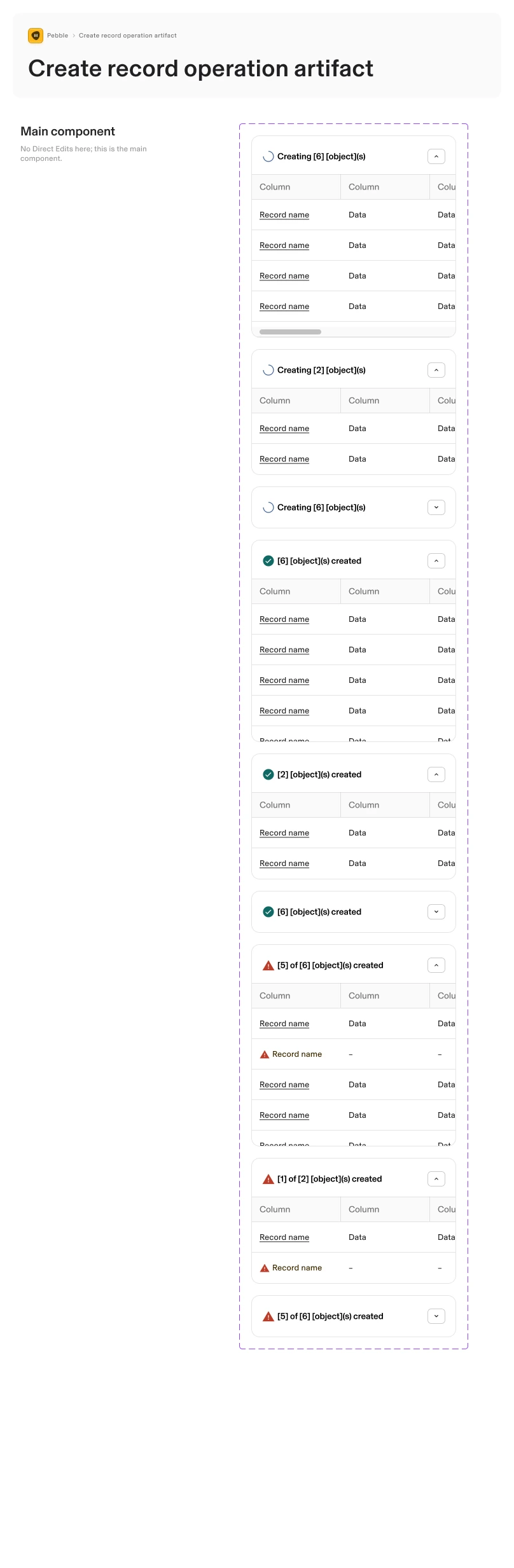
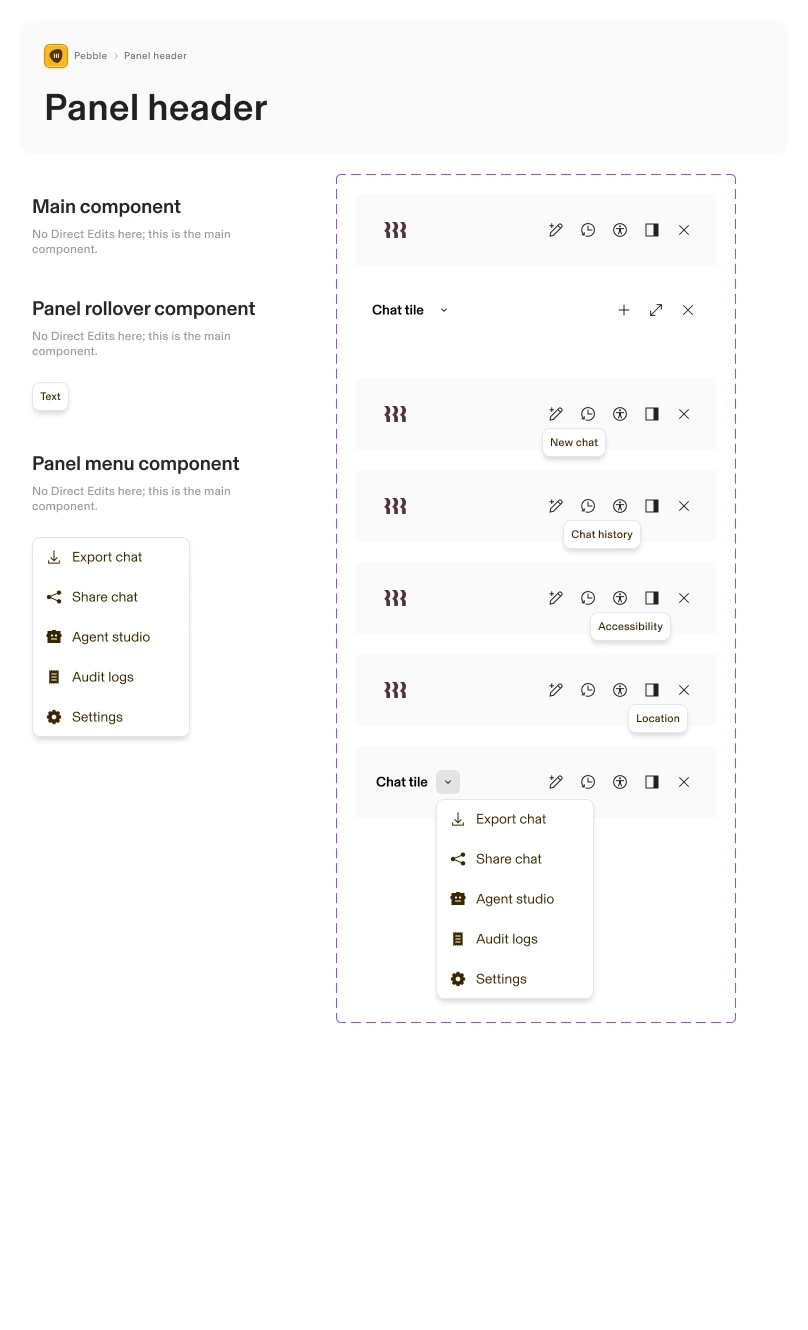
Contribution to system patterns (entry points, response types, citations)


Step 03.6 Implementation
Implement in Time, Q4 2025; Rippling beta launch Mar 26; measure ticket reduction, setup time, resolution rate
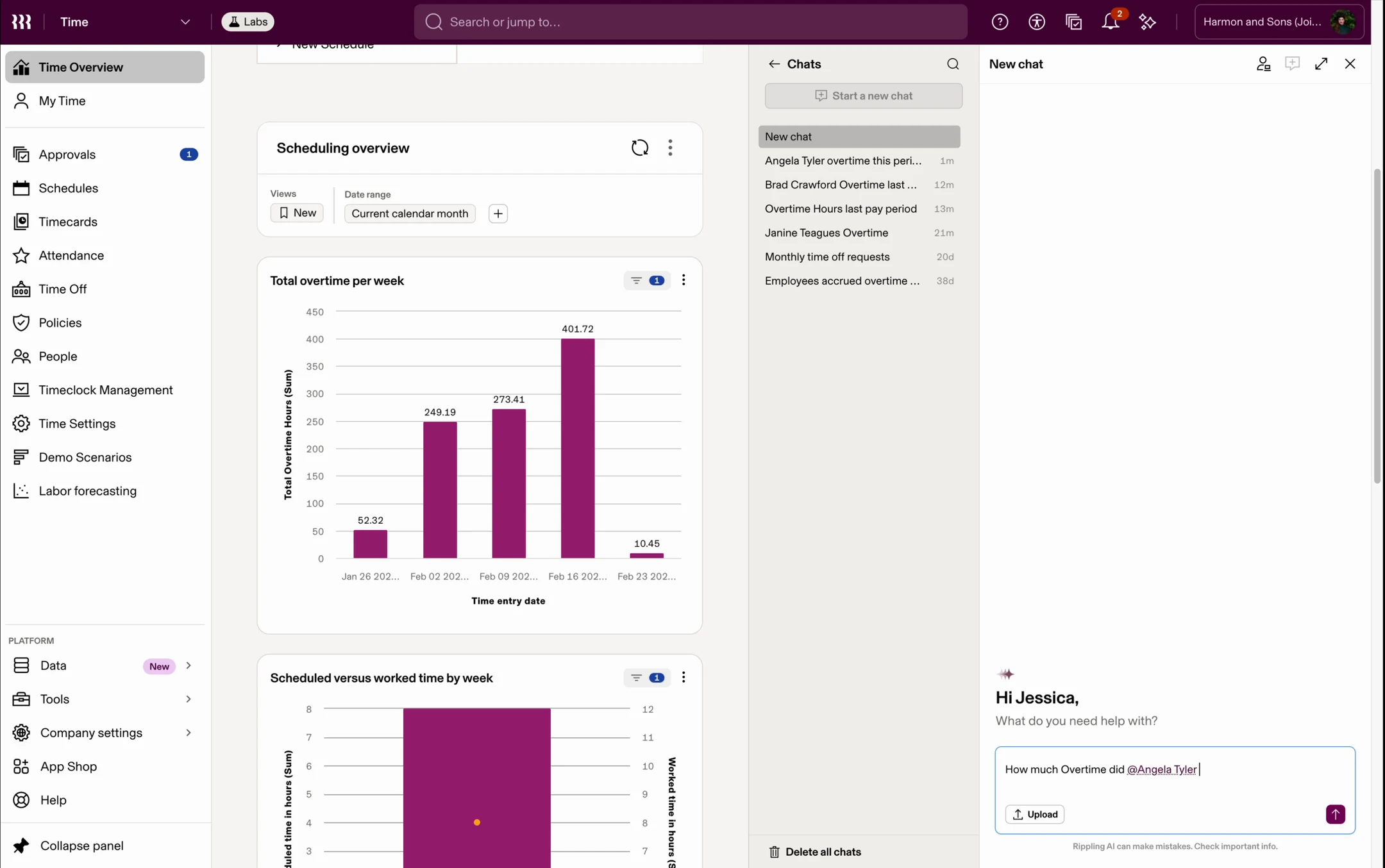
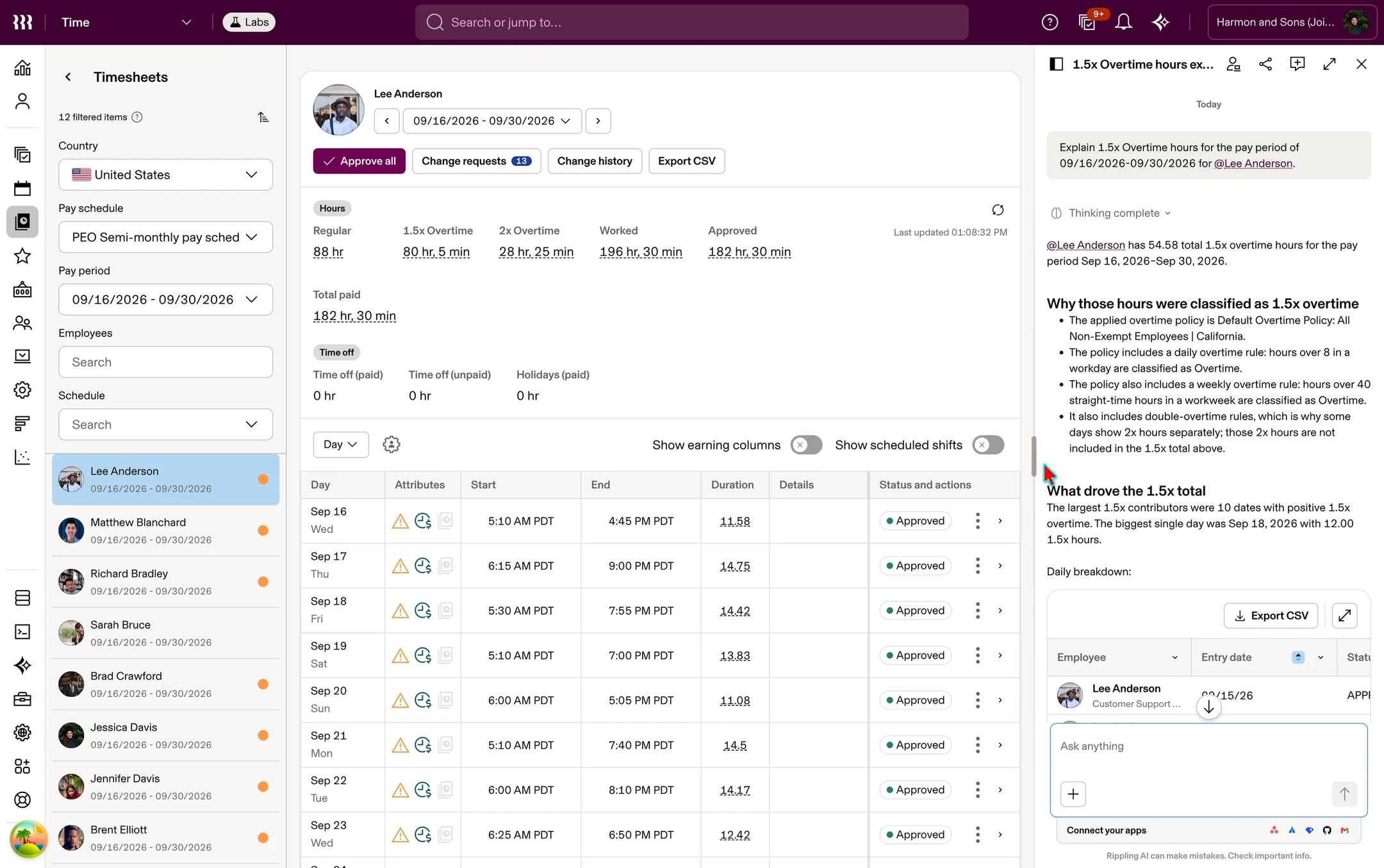
The Copilot patterns didn’t stay a framework. In Time Simplified, the redesign of Time as a standalone product, I carried them into Timesheets: managers can ask why an overtime total came out the way it did and get the policy rules and the days behind it, in the product where the question comes up.
What I learned
Adrian shared the Time Product org’s framework for AI, looking at how it will support the creation and understanding of often complex policies. [He] did an awesome job framing the opportunity and showing the concept through a realistic scenario. Great guidance for other teams shaping their AI initiative